


Wherever you’re heading when you jump behind the wheel, be it commuting to work, taking the children to sports practice, or heading further afield for a getaway, we can all benefit from route planning. Gone are the days of getting out your atlas or printing a route from the computer. Technology, especially your Honda, offers the most convenient way to get from A to B.
Configure and Buy Honda CONNECT
We’ve all been there when the traffic crawls to a stop for no reason and you’re left wondering what the holdup is. Drivers normally fall into one of two camps – the ‘let’s stick it out and wait’, and the ‘find an alternative route and keep moving’ brigade. Chances are the latter are all using some sort of route planning technology to keep them moving and stress levels down.
The good news is that all new Hondas come equipped with Honda CONNECT, a bespoke infotainment system that makes navigating a doddle. Using the crystal-clear large central touchscreen, you can either use the integrated Honda Navigation*, or thanks to the integrated smartphone connectivity you can use Apple CarPlay or Android Auto to display your preferred navigation apps.
Honda CONNECT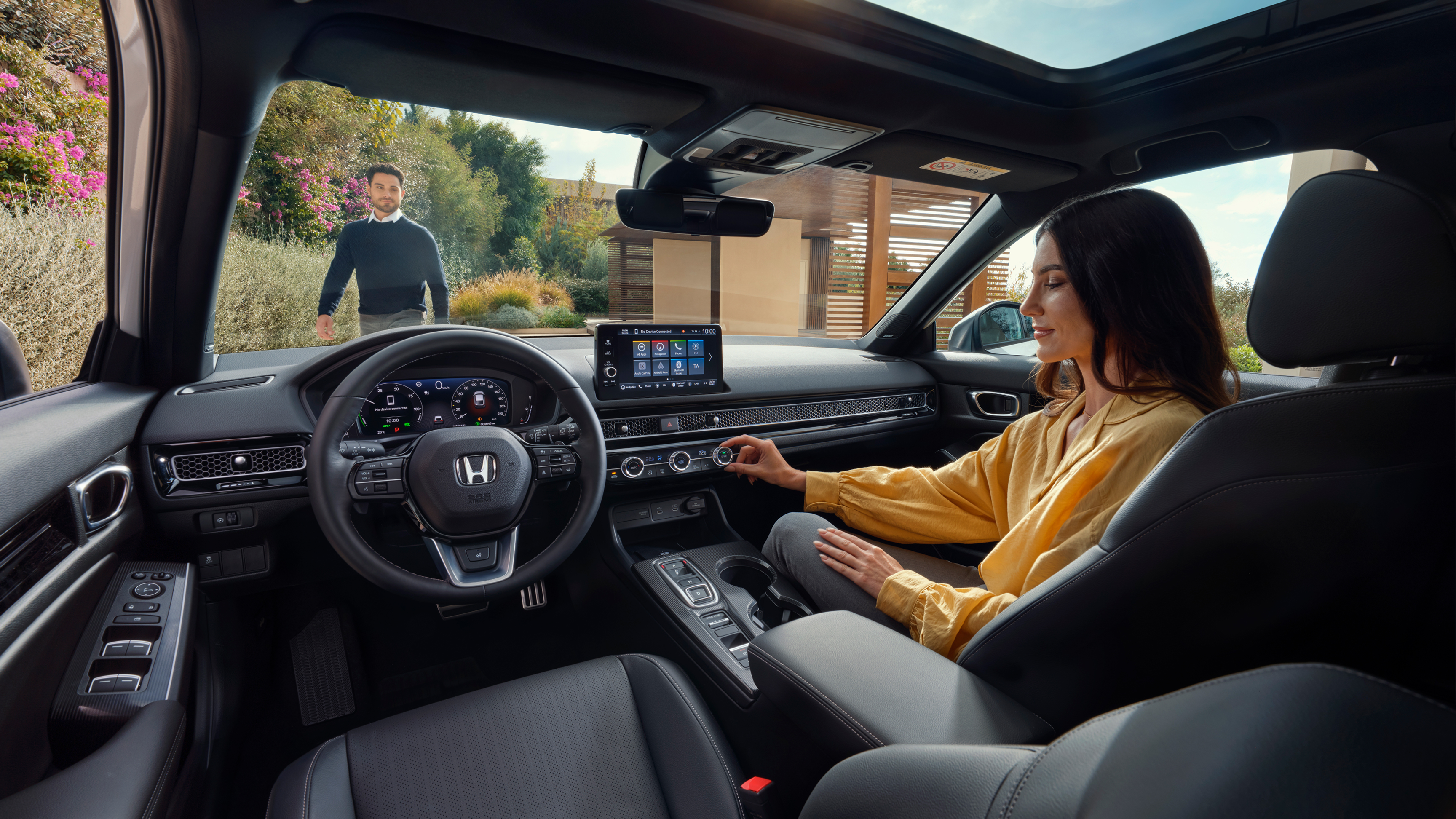
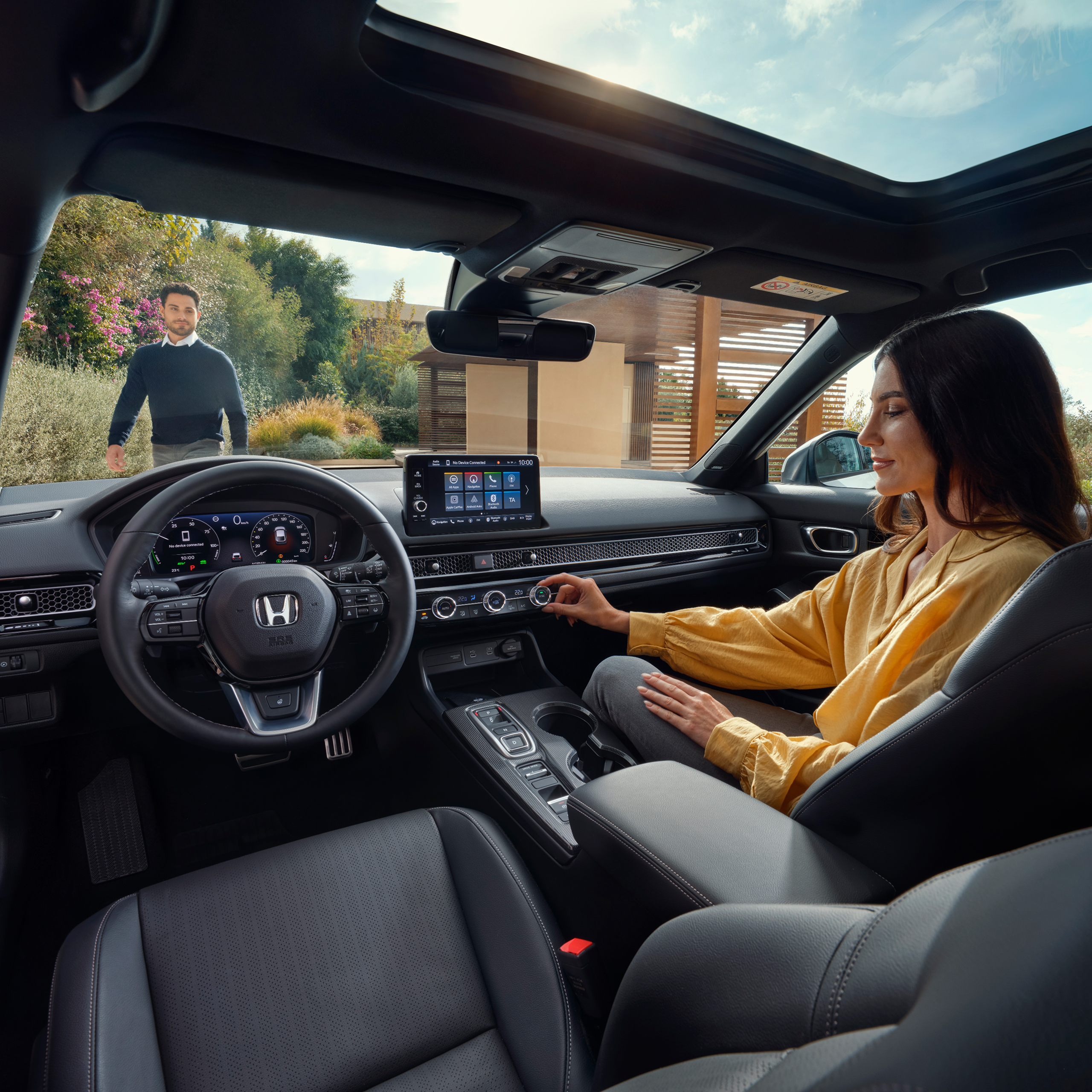
Real-time traffic
As you would expect, the built‑in navigation is easy to use, boasting an advanced 3D view and free updates for seven years from the date of manufacture. If you’re looking for real‑time traffic updates and you have a smartphone, you may prefer to use the Honda CONNECT display for navigation apps such as Google Maps, Waze or TomTom. These apps draw on live, crowd‑sourced data from millions of road users, which allows them to detect changing conditions far more quickly than traditional traffic reporting. Because this information reflects what drivers are experiencing in the moment, such as sudden congestion, accidents or temporary closures, the apps can calculate more accurate routes and reroute you proactively to avoid delays.
All are free and easy to use via smartphone apps, displaying clearly on your Honda’s touchscreen display.
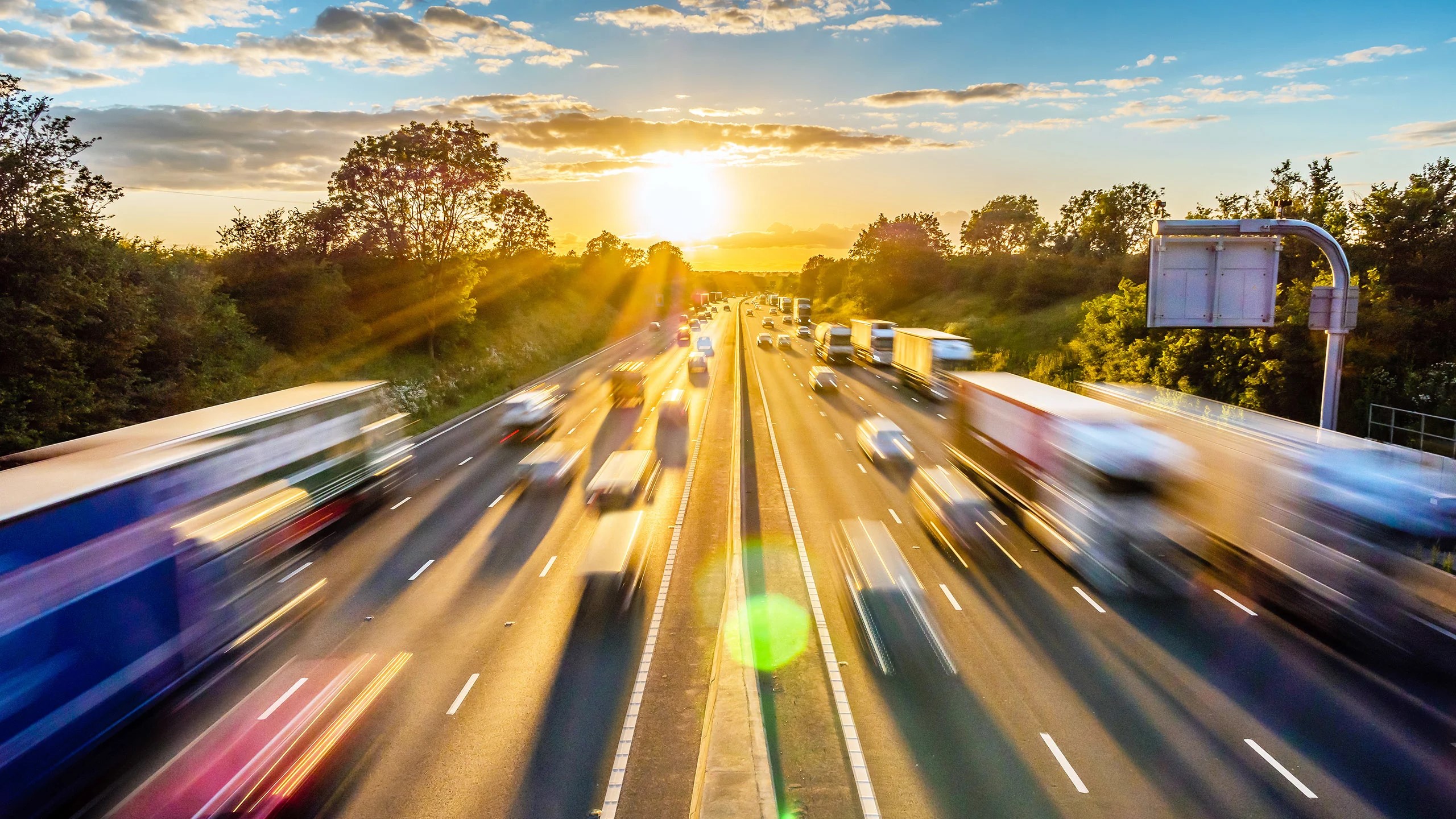
Enjoy the journey
If you’re looking for a route planner that is about discovering points of interest and amazing places along your route, making your journey more of an adventure than rushing from A to B, ViaMichelin might be the one for you.
This road trip planner helps you discover restaurants and experiences along your route, as well as EV charging points and accommodation, all whilst costing the journey for you. It’s available as an app for both iPhone and Android.
Book a Test Drive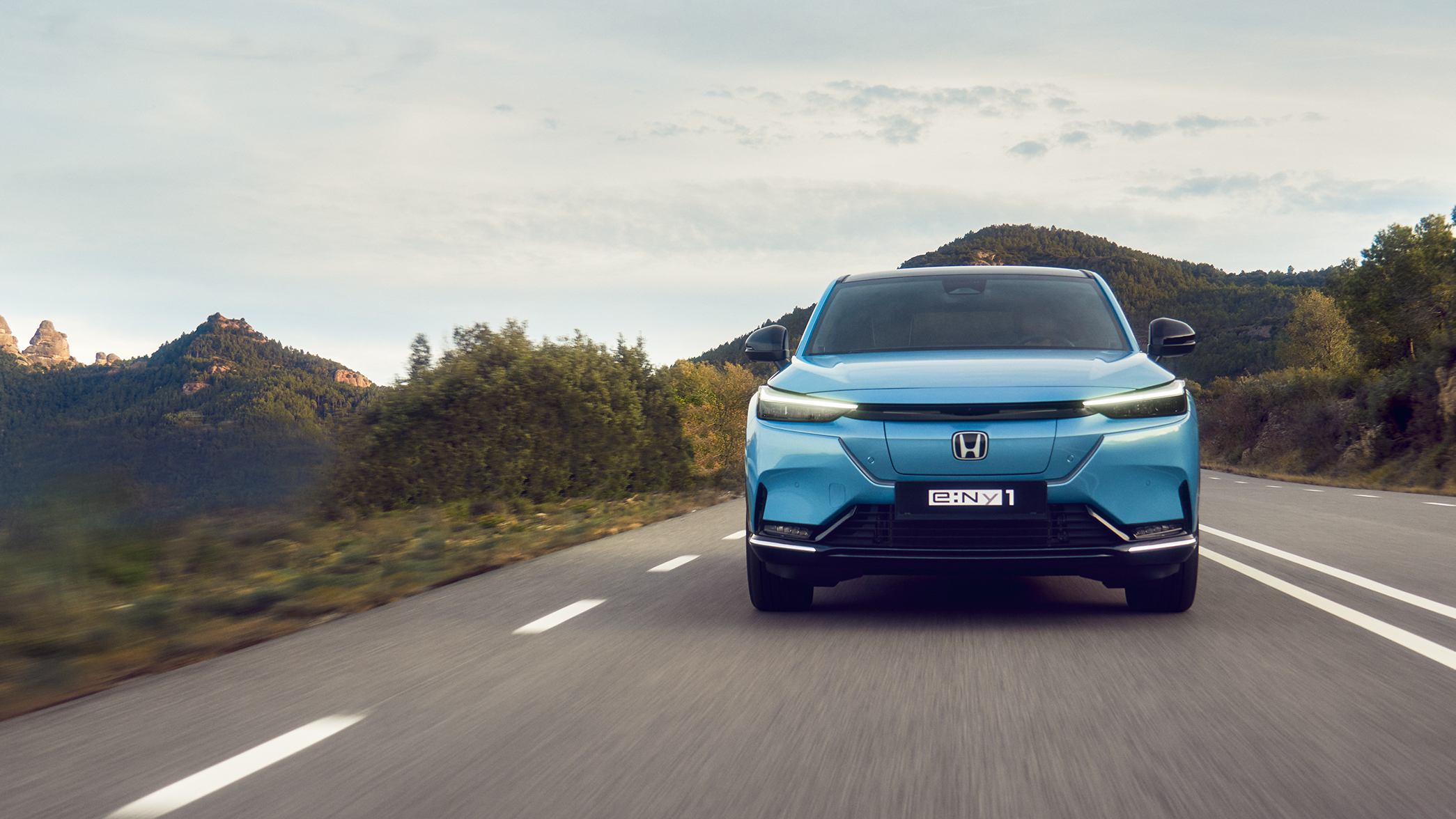
EV route planning
e:Ny1 owners looking to plan a journey should look at Zapmap, which covers 95% of the UK’s public charging points with live availability based on your model and range. Unlike traditional route planning, EV‑specific tools factor in charging locations, battery range, and optimal stopping points, helping you avoid unnecessary detours or arriving at chargers that are out of service or already occupied. With intuitive apps for iPhone and Android users, it’s easy to use via your smartphone and Honda CONNECT screen.
Tips for avoiding traffic and saving fuel
Avoid rush hour
Avoid travelling during rush hour and school drop off times where possible.
Check traffic before leaving
Check the traffic on your route before you leave to help you decide whether to leave earlier or later, depending on the congestion.
Use real-time navigation
Use a real-time navigation app that will automatically re-route you to avoid accidents and congestion, highlighting congested routes in red or amber.
Set route preferences
Set your route preferences to ‘fastest’ or ‘shortest’ and ‘avoid tolls’ or ‘avoid motorways’ etc.
Allow extra travel time
Allow extra time for congestion and stops, particularly on longer journeys – allowing 30 minutes extra can reduce stress levels significantly!
Drive smoothly for fuel economy
Avoid harsh braking and accelerating to maximise your fuel economy – keep an eye on your MPG or range using your Honda’s vehicle display.
Enable ECO mode
Choose ECO or Economy mode where possible to maximise your range.
Reduce speed to save fuel
Keep your speed down – driving at 70mph vs 60mph can use up to 15% more fuel.
Activate stop-start feature
In petrol / diesel engine cars, make sure you have stop-start or Auto Idle Stop switched on.
Maintain correct tyre pressure
Keep your tyres inflated to the correct pressure
*Information correct at time of publishing.